
Google Meet attendance tracker for fitness & yoga instructors
Personal trainers, online yoga studios, pilates instructors, and martial arts senseis running live virtual workout classes over Google Meet need an effortless way to check who attended, monitor client streaks, and prevent membership churn. Here is how to automate fitness class attendance.
Why Online Fitness Coaches Need Attendance Tracking
- Member Accountability & Streaks: Celebrate clients who hit 30-day or 60-day workout streaks to boost retention and community morale.
- Subscription Validation: Cross-reference live attendees against your paying Stripe or Patreon member roster.
- Zero Interruption During Workouts: Don't waste coaching time taking roll call. The add-on runs silently in the Google Meet side panel.
Key Fitness Studio Features
1. Automated Class Series Roll-ups
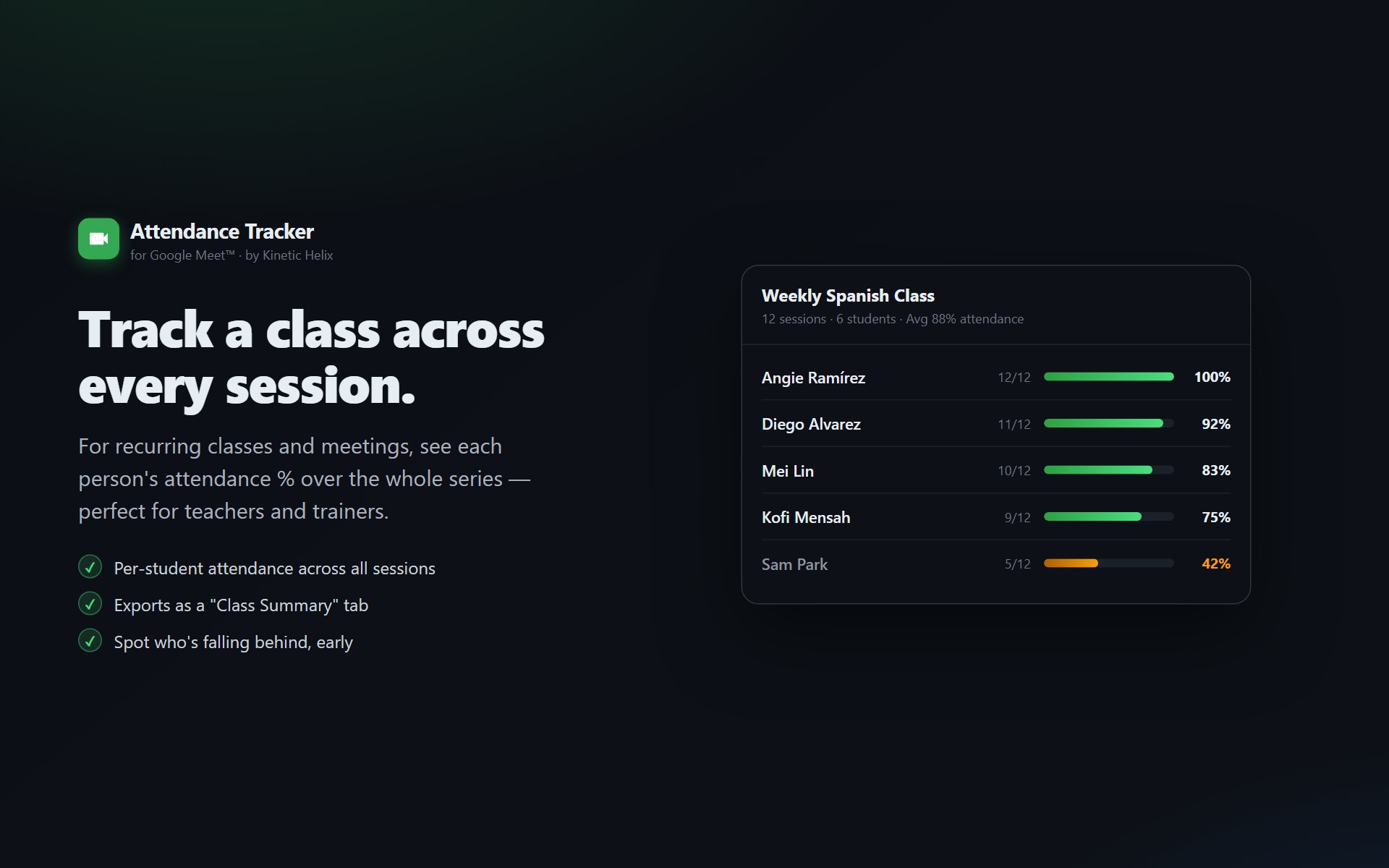
For recurring morning yoga or HIIT bootcamp series, Attendance Tracker groups all sessions by your calendar event ID and calculates attendance percentages per client.
2. Formatted Google Sheets Export
Every class saves an uneditable tab in your Google Drive spreadsheet named Meet Attendance Tracker showing client names, emails, and exact minutes spent sweating in the workout.
3. Instant Summary Emails
Receive an automatic post-workout summary email in your inbox with who was in class and a direct link to your member attendance spreadsheet.
Virtual Class Tracking Options Compared
| Feature | Manual Roll Call | Attendance Tracker |
|---|---|---|
| Workout Interruption | Takes 5–10 minutes of coaching time | Zero interruption (runs in background) |
| Drop-off & Early Departure | Missed by instructor | Exact minutes logged per client |
| Monthly Streak Calculations | Manual spreadsheet math | Automated recurring series percentages |
| Member Retention Alerts | Only notice after cancellation | Identify sudden drop-offs before churn |
Frequently Asked Questions
Can I track attendance for recurring weekly morning yoga sessions?
Yes. When you schedule a recurring workout series on Google Calendar, Attendance Tracker automatically links all sessions together so you can see each client's total classes attended over 30, 60, or 90 days.
Do my clients need to install anything?
No. Only the instructor needs to install the add-on from the Google Workspace Marketplace. Clients join normally from laptops, iPhones, iPads, or Android devices without installing any software.
Can I export attendance into my existing studio spreadsheet?
Yes. Attendance Tracker automatically creates formatted tabs in your Google Drive spreadsheet named Meet Attendance Tracker, which you can easily copy or link into your studio's master member roster.
Automate your virtual fitness attendance
Free, works on all Google accounts, set up in under 30 seconds.
Install Attendance Tracker from Marketplace